
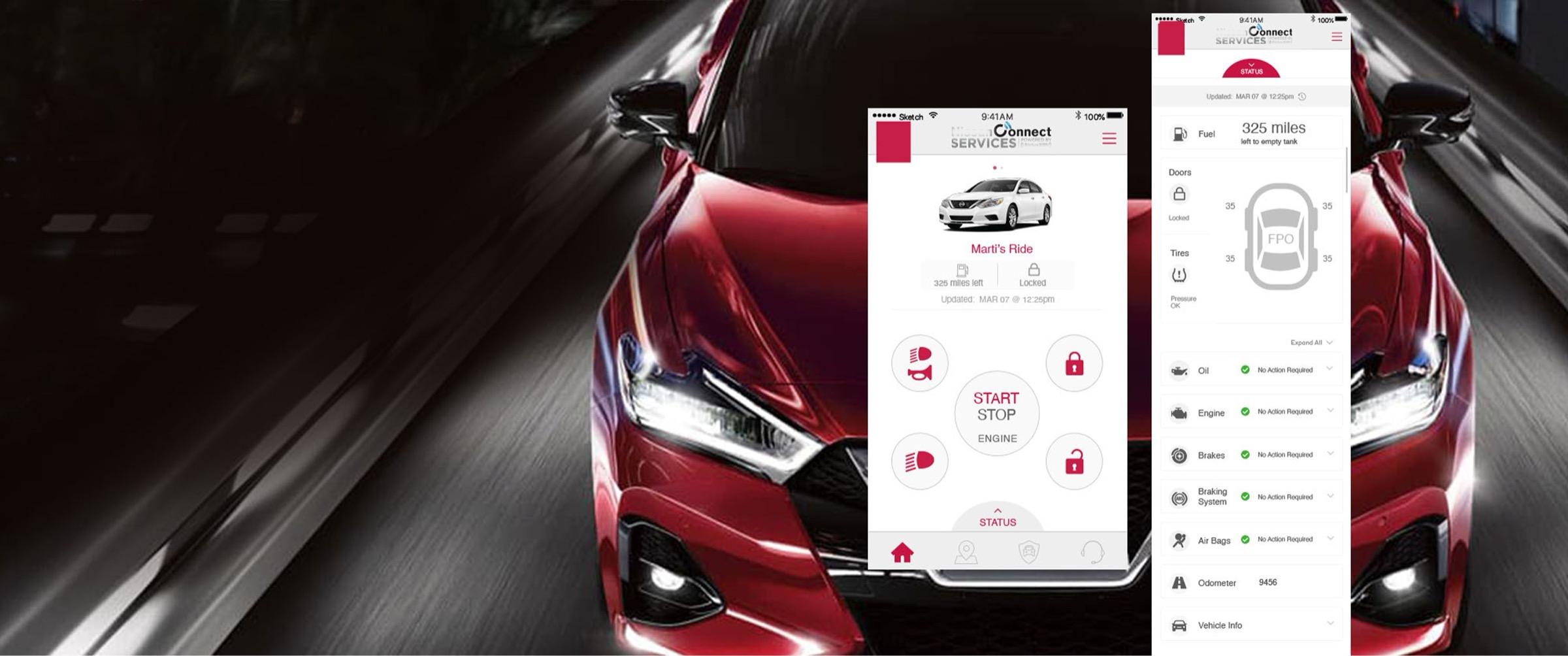
Integrating Vehicle Status into a Connected Vehicle App
How I helped fit fuel range, lock status, and vehicle health into the screen vehicle owners already used to control their cars.
Read Time: Summary 2-3 Min / Deep Dive 3-5 Min
Executive Snapshot
The automaker's connected services app released Vehicle Status in late 2019, giving owners of eligible vehicles a way to check fuel range and door lock status from the same screen they already used to control their vehicles. A dedicated Status view put the details within two taps of Remote Services.
My Role
I audited the live app, mapped how owners moved through Remote Services, and led feasibility sessions with the product manager and engineering lead. Together we worked through what could fit on the existing screen, which vehicle information could be surfaced there, and how owners would get to the rest. I built clickable prototypes for the automaker's two brands to show how the same interaction could work in each brand's app.
Role
Senior UX Project Lead and Designer
Division
Connected Vehicle
Timeline
May 2018 – Jun 2019
Partners
Product Management and Engineering

Deep Dive
To go deep and learn more about my thinking, judgment, and reasoning expressed on this engagement, continue reading and dive deep.
Est. Reading: 3-5 Minutes
1. Audit the App Owners Already Used
Remote Services already gave owners a place to start the engine or lock the doors. Vehicle Status added a different task to that same space. Before issuing a command or walking out to the car, an owner might simply want to know whether the doors were locked or how much range remained.
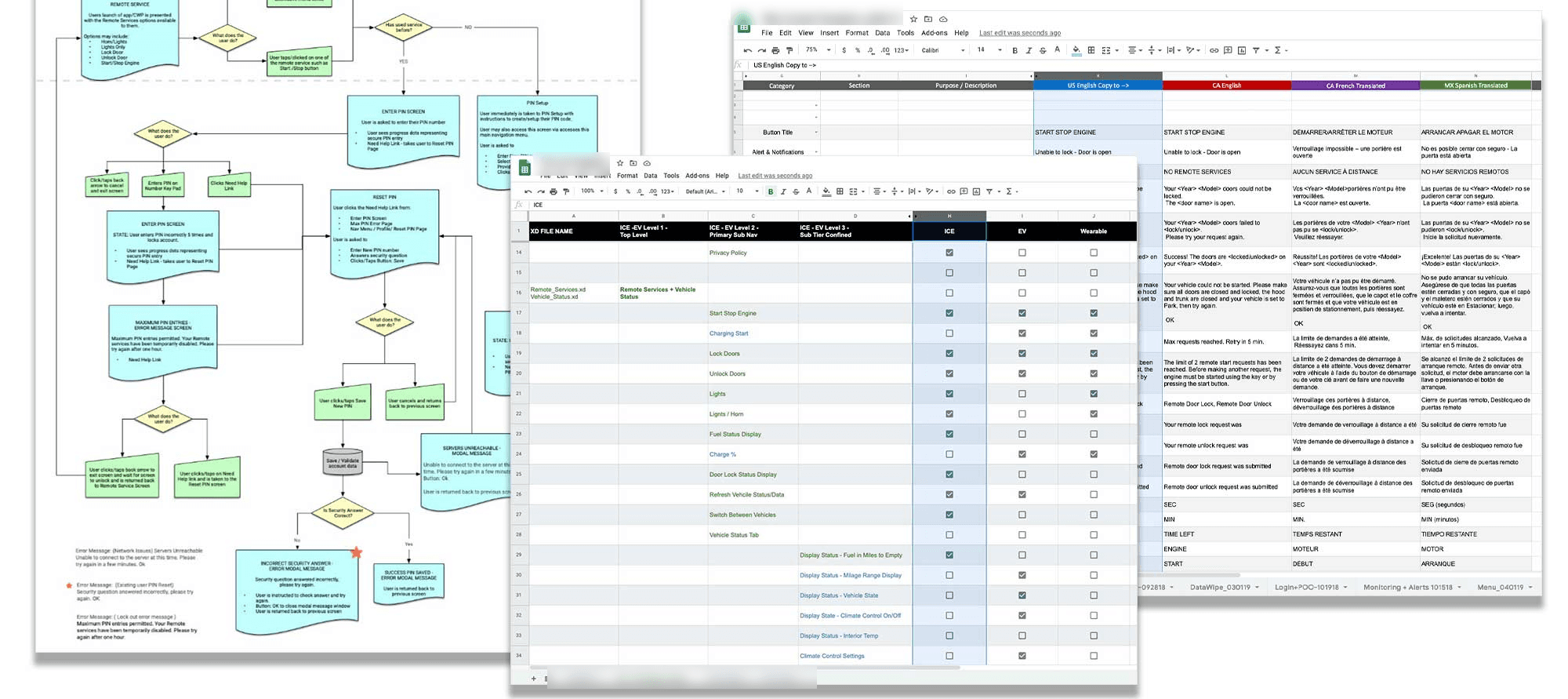
I inventoried the live app and mapped the existing flows, content, and platform constraints. The audit made the design problem concrete. The home screen had limited space and needed to preserve the existing controls. The new feature had to answer common status questions there and give owners a short path to more detail.
2. Work Through Placement and Feasibility With Product and Engineering
I used sketches and whiteboard sessions to test how Vehicle Status could fit into the live app. Product and Engineering worked through what belonged on the home screen, what the vehicle could report, and how the app could refresh what it showed. The team had a five-month target to get the feature designed, developed, and tested for production.
Status View kickoff · Recreated from workshop notes
- On the home screen. Show fuel range and door lock state where owners already use remote controls.
- In the Status view. Give owners a place to look up vehicle health and warning details.
- When status updates. Work through how the app refreshes vehicle information and communicates its age.
The kickoff raised questions about what could appear on the home screen and how status would refresh. The sketches and feasibility sessions turned those questions into an interaction the team could build within the existing app.
3. Keep Quick Status Visible and Details Close
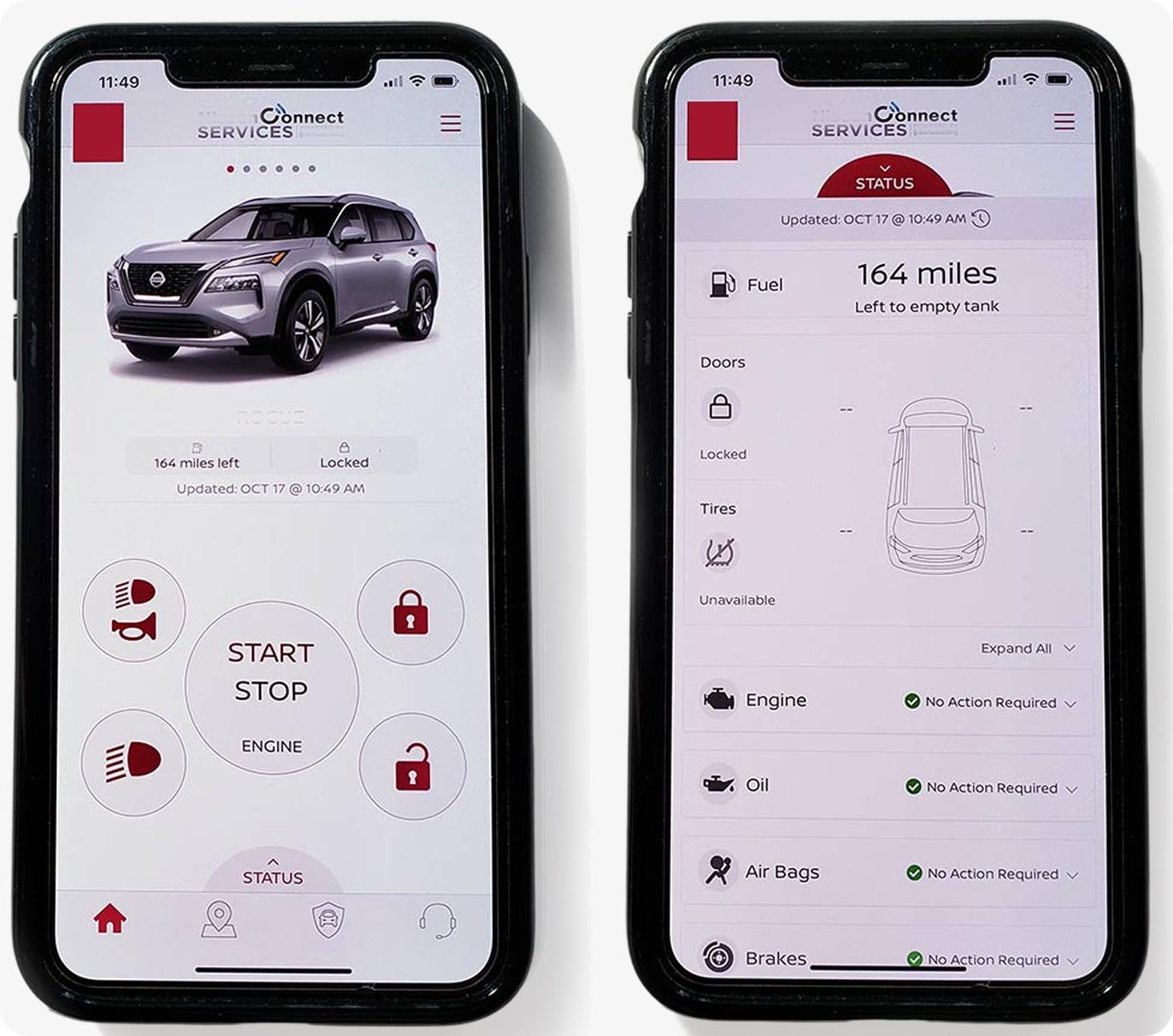
We kept fuel range and door lock state on Remote Services, alongside the actions owners already knew. A visible Status control opened a dedicated view for vehicle health and other details. The released app capture shows both layers, including a last-updated time and an explicit unavailable state where tire information could not be shown.
4. Adapt the Interaction for a Second Brand
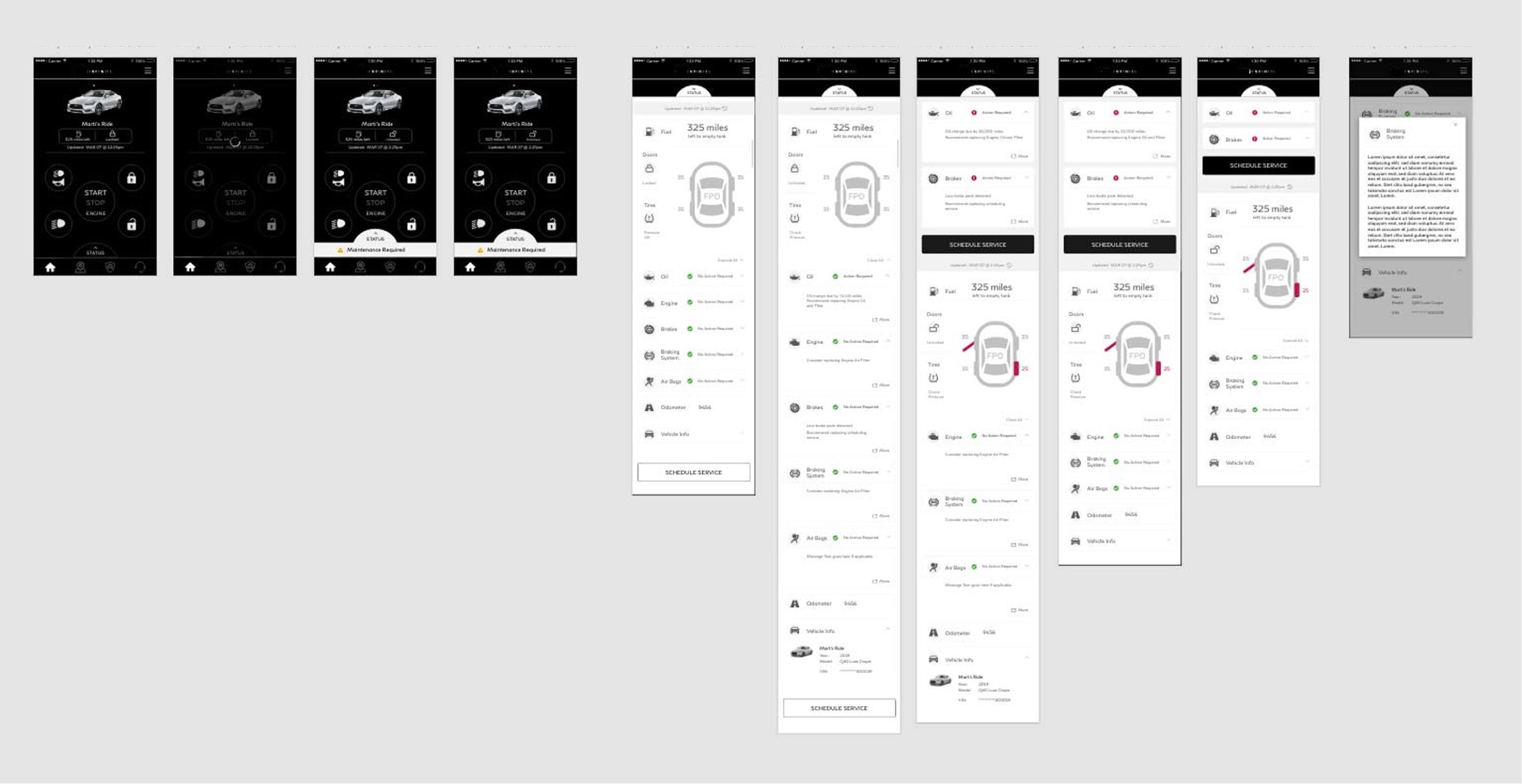
I carried the same hierarchy into the second brand's prototype. Its dark Remote Services screen kept quick status with the vehicle and its remote controls. Opening Status revealed a light detail view with the same basic organization. The prototype gave the team and client a way to review the interaction in the second brand's visual language.
Related Work
A later EV integration effort mapped how the app could accommodate both combustion and electric vehicles. That work compared familiar remote functions with EV needs such as charge status and range.
Review other case studies

Platform & Ecosystem Transformation
Validating a Faster Path for Policy Testing
How mapping the policy lifecycle exposed an operating-model bottleneck and helped cut one testing cycle from about six months to two weeks.

Service & Workflow Transformation
Shifting Mobile Advice Strategy from Scheduling to Relationship Support
How challenging a desktop-first assumption shaped a phased mobile strategy and helped reduce missed advisor appointments by 35 percent.

Service & Workflow Transformation
Reframing a Mandated CRM Migration Around How Agents Actually Work
How direct agent research exposed a flaw in the platform strategy and led to a household-centered information model.